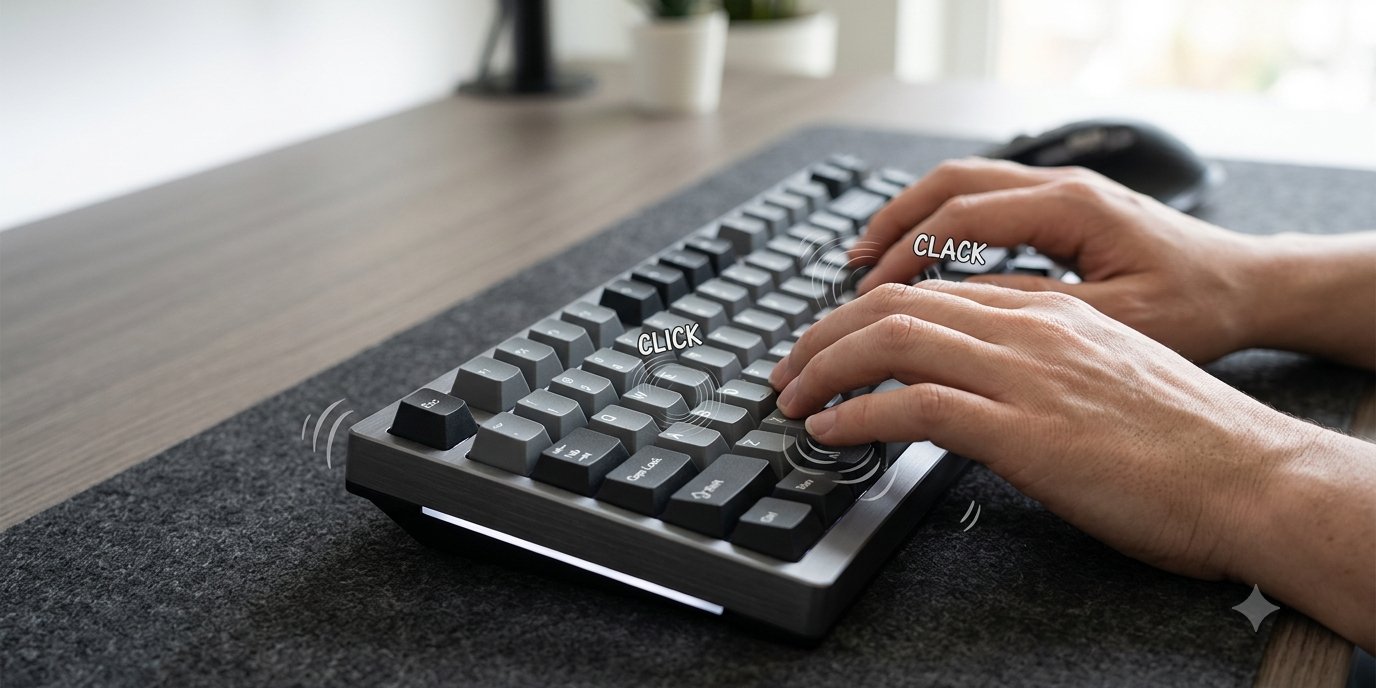
To add sound effects to your keyboard, install a keyboard sound app: macOS has no setting that plays a sound when you type on a physical keyboard, and Windows only has a basic beep hidden in its accessibility settings. On a phone it is built in: on iPhone, go to Settings, then Sounds & Haptics, then Keyboard Feedback, and turn on Sound; on Android, turn on Sound on keypress in your keyboard app's settings.
This guide walks through each option step by step, what each one actually sounds like, and how to set up a proper typing tone on a computer so it stays useful rather than annoying.
What "keyboard sound effects" means
People use the phrase for two different things. Some want a typing tone: a click or tap each time a key goes down, so a quiet laptop keyboard gives the feedback of a real one. Others want a specific sound style: a clacky mechanical keyboard, a deep "thock", a typewriter, or something playful. A built-in beep covers the first, barely. Only an app covers the second.
How to add a typing sound on Windows 11 and Windows 10
Option 1: the built-in Filter Keys beep
Windows can beep when a key is pressed, but the setting belongs to Filter Keys, an accessibility feature for people who press keys by accident.
- Open Settings, then Accessibility, then Keyboard.
- Turn on Filter keys and open its options.
- Turn on Beep when keys are pressed or accepted.
Two warnings. The sound is a plain system beep, not a key click, and it gets tiring quickly. And Filter Keys exists to ignore brief or repeated keystrokes, so check its other options before you type a long document, or fast typing can lose letters. On Windows 10 the same switches are under Settings, then Ease of Access, then Keyboard.
Option 2: the On-Screen Keyboard click
The Windows On-Screen Keyboard has a Use click sound option, as Microsoft's On-Screen Keyboard guide explains. It only plays when you tap keys on the screen, so it does nothing for your real keyboard.
Option 3: a keyboard sound app
For a real key sound on a physical keyboard, install an app that plays a sound for each key press. Install from the Microsoft Store or the developer's own site, pick a sound, and it runs in the background.
How to add keyboard sound effects on a Mac
macOS has no setting that plays a click for a physical keyboard. VoiceOver can speak each character as you type, but that is a screen reader reading letters aloud, not a typing sound. So on a Mac the only way is an app:
- Install the app from the developer's site or the Mac App Store.
- Allow Input Monitoring when asked: System Settings, then Privacy & Security, then Input Monitoring, and switch the app on. An app that only plays sounds does not need Accessibility permission, which also lets an app control your Mac.
- Restart the app if no sound plays after you grant the permission.
- Choose a sound pack and type for a minute before deciding. Our guide to custom keyboard sounds covers what to look for in a pack.
How to turn on keyboard sounds on iPhone and Android
iPhone and iPad: Settings, then Sounds & Haptics, then Keyboard Feedback, and choose Sound, Haptic or both (Apple's sounds and vibrations guide covers it). The click does not play while your ring/silent switch is set to silent.
Android: the setting lives in your keyboard app, not the phone. In Gboard, open its settings, then Preferences, and turn on Sound on keypress; other keyboards have a similar option. Some phones also have a system-wide keyboard sound under Sound settings.
Phones only offer one click sound. If you want a mechanical or typewriter sound on a phone, you need a different keyboard app with its own sounds.
Picking a sound effect you will still like next week
- Soft first. Start quieter than you think you want. A loud clack is fun for ten minutes and tiring over a working day.
- Match the work. A crisp click suits writing and code; a muted "thock" suits long sessions; a typewriter suits drafting. Our guide to mechanical keyboard sounds explains how clicky, tactile and linear switches differ.
- Listen for repetition. One recorded click repeated a thousand times sounds robotic. Good packs vary the sound slightly and use different samples for the space bar, Enter and Backspace.
- Test the delay. Type a fast burst. If the sound trails behind your fingers, it will feel like an echo. Bluetooth headphones add their own delay, so compare with built-in speakers.
A keyboard sound app that does this on Mac and Windows
We built Bonky for exactly this. It plays a sound on every keystroke with near-zero latency, on macOS and Windows, with 28 hand-tuned sound packs: mechanical switches, ASMR, vintage and a few fun ones. Per-app rules switch the pack and volume for the app you are in, it goes quiet when your microphone is live, and a one-tap snooze mutes it for 10 minutes. Your keystrokes are never logged or sent anywhere. The Mac version has a free 14-day trial; on Windows, Bonky is sold only through the Microsoft Store, which offers a 7-day free trial.
If the keyboard sound does not play
- Mac, no sound at all: check Input Monitoring is switched on for the app, then quit and reopen it.
- Windows beep stopped: Filter Keys may have been turned off by its keyboard shortcut (holding the right Shift key for eight seconds toggles it). Check the setting again.
- Sound in some apps only: look for a per-app rule or snooze in your sound app.
- Phone stays silent: on iPhone, check the silent switch; on Android, check media and system volume.
Want the old-school sound in particular? See how to make your keyboard sound like a typewriter.