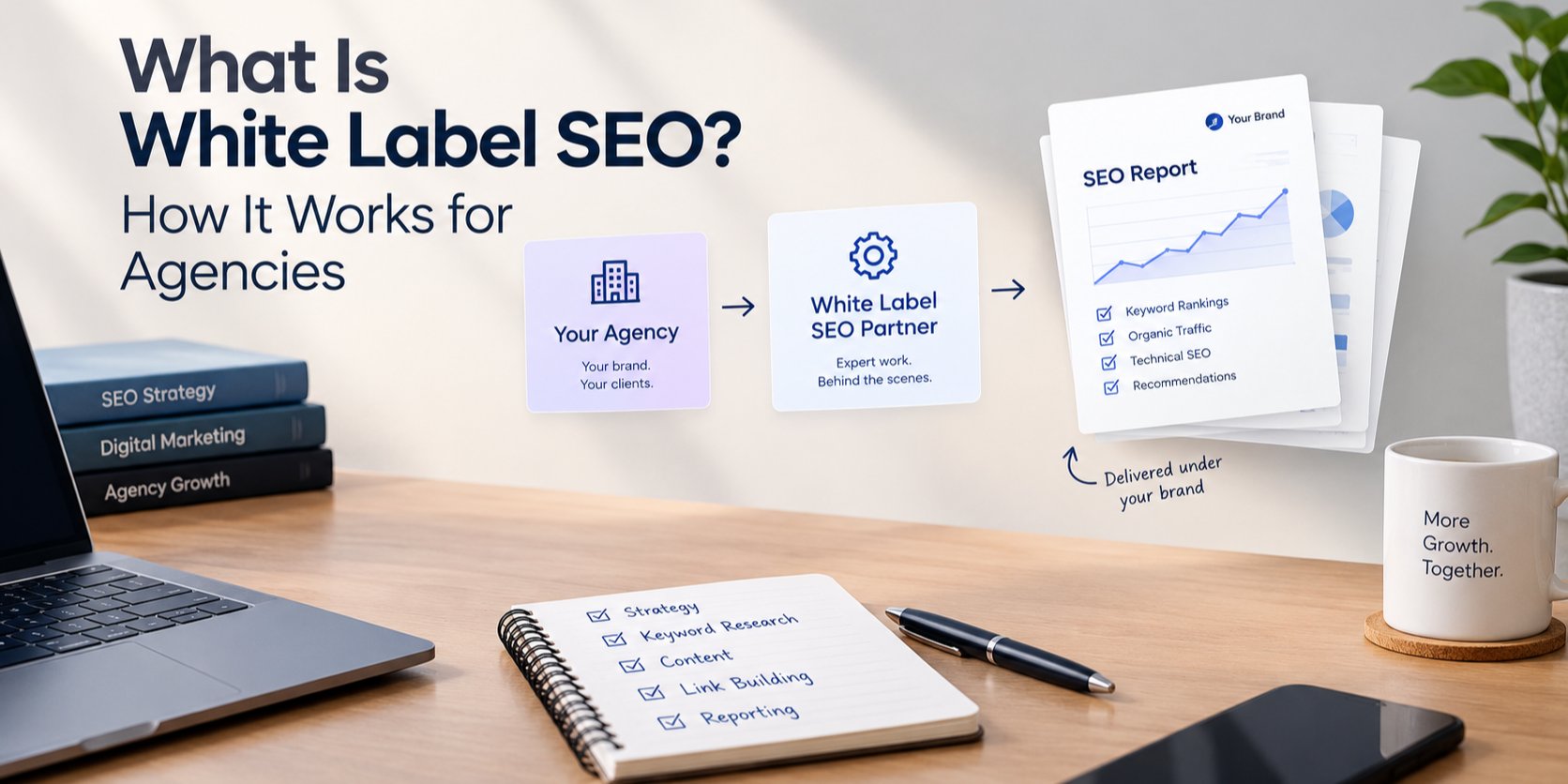
White label ecommerce SEO is SEO for online stores that a partner does for your agency, under your agency's brand. Your client sees your name and your reports; the partner fixes the store's technical problems, improves its collection and product pages, and helps it rank for the things it sells. It differs from general SEO because stores create problems other sites rarely have: many versions of the same product URL, thousands of thin pages, and product data that must match what shoppers see.
If your agency builds or runs online stores, clients will ask for SEO sooner or later. This guide explains what ecommerce SEO work actually includes, how a white label partner should deliver it, and what to check before you sell it as your own.
Why ecommerce SEO needs its own playbook
A service business might have twenty pages. A store can have hundreds of products, dozens of collections and filter combinations that multiply into thousands of URLs. That changes the job in three ways:
- Duplication is the default. The same product can be reached through several collection paths, colour or size variants, and tracking parameters. If search engines see each version as a separate page, ranking signals get split.
- Category pages carry the demand. Most shoppers search for a type of product ("linen shirts for men") before a specific item. Collection and category pages are where those searches should land.
- Product data is checked against the page. Prices, stock and reviews in structured data must match what the page shows. Google's product structured data guidelines explain what is required.
A partner who has only done SEO for blogs and service sites will miss most of this. Ask what stores they have worked on and which platforms they know.
What white label ecommerce SEO includes
The work below is what a client should expect each month. Agree the scope per store before you price it.
1. Technical audit of the store
A crawl of the whole catalogue: indexing, canonical tags, redirects, sitemaps, broken links, Core Web Vitals and crawl errors. The output is a prioritised fix list, not a 90-page export. For stores, the audit should also flag out-of-stock and discontinued product handling, and filter or sort URLs that create near-duplicate pages. Google's guide to faceted navigation covers the options for filter URLs.
2. Duplicate product URLs and canonicals
Every product should have one preferred URL, and canonical tags and internal links should all point to it, so ranking signals are not split. Google's page on consolidating duplicate URLs is the reference to share with clients who ask why this matters.
3. Collection and category pages that rank
Each important collection gets a clear title, a short useful introduction that answers what a shopper needs to choose, and links to its best products instead of a bare product grid. This is often the single biggest ranking gain for a store, because these pages match the broad searches with the most volume.
4. Product pages and structured data
Unique descriptions for best sellers instead of copied supplier text, helpful titles and image alt text, and product markup whose price and availability always match the page. If the store shows real reviews, the markup can include them; if it does not, it should not invent them.
5. Speed, theme and app bloat
Store apps often add scripts to every page, and some leave code behind after they are uninstalled. A good partner finds what slows the store down and removes what the client no longer needs, rather than only reporting a low speed score.
6. Keyword research and content
Searches grouped by intent: category searches for collections, specific searches for products, and questions for buying guides. Content should support the pages that sell, not just fill a blog calendar.
7. Reporting you can forward
A monthly report in your agency's format: what changed, why it matters and what is next, with organic revenue or conversions where the client's analytics allow it.
Shopify, WooCommerce and other platforms
The principles are the same on every platform, but the fixes are not. On Shopify, much of the work happens in the theme's Liquid templates and in the apps a store has installed. On WooCommerce, plugins and hosting play a larger role. Before you sign a store client, check your partner can actually make changes on that platform, or whether they will only send recommendations your own developers must carry out.
We build Shopify stores and our own Shopify apps, so our white label SEO for agencies includes Shopify and ecommerce work, and we can make technical fixes ourselves when an agency gives us access.
How to price and resell ecommerce SEO
- Price per store, after a review. Catalogue size and the state of the theme change the effort far more than the client's revenue does.
- Separate one-off fixes from monthly work. Cleaning up duplicate URLs and app bloat is usually a project; collection content and reporting are ongoing.
- Agree who touches the store. Decide whether the partner gets staff access, works through your developers, or only sends changes for approval.
- Set expectations on time. Technical fixes can show up in Search Console within weeks; new collection content usually takes longer to rank. Nobody can promise a position.
What to check before you choose a partner
- Platform experience. Ask which store platforms they work in every week and whether they can edit themes.
- A sample audit. A paid audit on one client store shows how they think. Look for a short, prioritised list, not a generic checklist.
- How changes are approved. Anything that changes a client's live store should be explained to you first.
- Link building rules. Avoid partners selling bulk backlink packages. They put your clients at risk.
- Branding and confidentiality. Reports should carry your brand, and you should decide whether the partner ever speaks to your client.
If you are new to the model, start with what white label SEO is and how it works, then read what white label on-page SEO includes, which covers the page-level work in more detail.